Workspaces
A workspace is the container for one brand’s setup in Ignyte IQ. Each workspace has its own datasources, dashboards, Reports, saved Views, metric targets, and team members. Data does not cross between workspaces.
One Ignyte IQ login can have access to multiple workspaces. The workspace selector in the top navigation switches between them.
What’s scoped to a workspace
Section titled “What’s scoped to a workspace”| Element | Scoped to a workspace? |
|---|---|
| Datasource connections (Shopify, ad platforms, etc.) | Yes |
| Brand Overview, Explore, Reports surfaces | Yes (via their data) |
| Saved Views, Reports, Metric Targets | Yes |
| Team members and roles | Yes |
| Workspace settings (time zone, currency, fiscal calendar) | Yes |
| Ignyte IQ account login | No |
When you need more than one
Section titled “When you need more than one”Use additional workspaces when you need data isolation between brands or clients. Common cases:
- An agency managing multiple clients.
- A company running multiple brands or business units.
- A brand operating multiple stores that should report independently (for example, DTC and a separate B2B store).
A single brand operated as one business typically uses one workspace.
The workspace selector
Section titled “The workspace selector”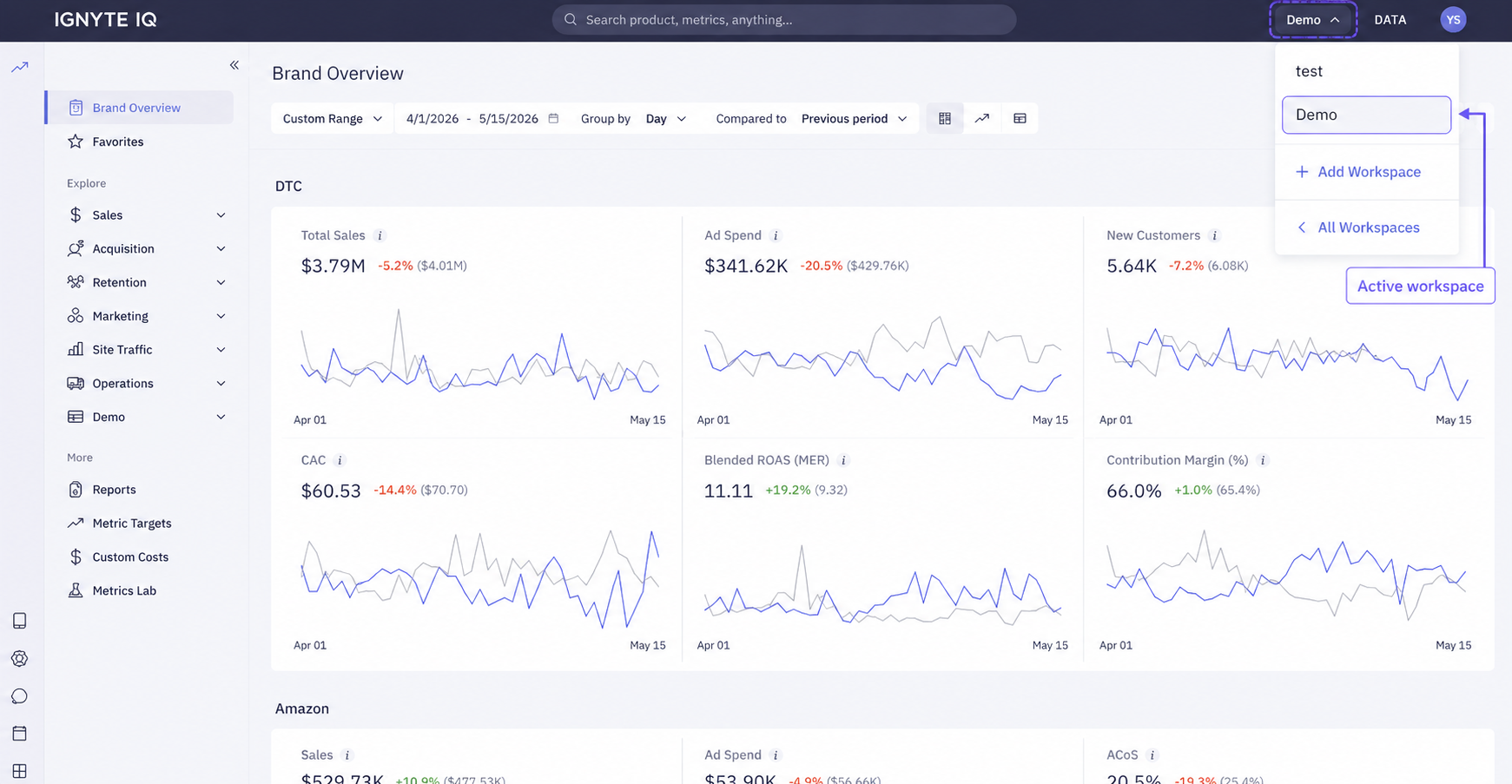
The selector lives in the top navigation, next to the Ignyte IQ logo. Click the current workspace name to see other workspaces you have access to or to create a new one.
Roles are workspace-specific: Admin in one workspace is unrelated to your role in another.
Common questions
Section titled “Common questions”Can data be combined across workspaces in one view?
Not in the standard product. Enterprise plans can be set up with a multi-brand rollup workspace — contact support if this applies.
How many workspaces can be created per account?
Depends on your plan. The limit is visible in your billing settings.
Can a Report or saved View be moved between workspaces?
Not in-app. Rebuild in the destination workspace, or duplicate a template within a single workspace if you need the same layout in two places.
What happens when a workspace is deleted?
Datasources disconnect, dashboards and Reports are removed, team members lose access. Deletion requires confirmation and cannot be reversed automatically — contact support if recovery is needed.